

How field of view and interpupillary distance affect clarity, comfort, and prescription lens performance
If you’ve ever put on a VR headset and thought:
-
“Why does this look slightly blurry?”
-
“Why does this feel cramped?”
-
“Why do I get eye strain after 20 minutes?”
The answer often comes down to two overlooked settings:
FOV (Field of View) and IPD (Interpupillary Distance).
In this article, we’ll discuss these settings using the Meta Quest 3 as a working example, while keeping the bigger VR picture in mind.
What Is VR FOV?

VR FOV (Field of View) refers to how much of the virtual world you can see at once without moving your head.
Think of it as your “window” into the virtual environment.
-
A wider VR FOV = more peripheral immersion
-
A narrower VR FOV = more “binocular” or tunnel-like feeling
Why FOV Matters
-
Improves immersion
-
Reduces the “goggle effect”
-
Can influence motion comfort
-
Affects how natural movement feels
The meta quest 3 FOV is considered a noticeable improvement over previous generations, offering a wider horizontal and vertical view thanks to pancake lens optics.
But here’s something many users don’t realize:
Your perceived FOV can change depending on how close your eyes sit to the headset lenses.
Keeping this in mind, lets talk about the other important setting: IPD.
What Is IPD in VR?

IPD (Interpupillary Distance) is the distance between the centers of your pupils, measured in millimeters.
In VR headsets, the IPD setting determines how far apart the headset lenses should be positioned to align with your eyes.
If your IPD is off, even slightly, you may experience:
-
Blurriness
-
Eye strain
-
Headaches
-
Reduced clarity in the “sweet spot”
The Meta Quest 3 IPD range spans approximately 58–71 mm, adjustable via a smooth internal slider.
That range works for most users, but it still needs to be set correctly for clear, comfortable vision.
How FOV and IPD Work Together
FOV and IPD aren’t separate — they interact.

If your IPD is incorrect:
-
You may think your headset has poor FOV.
-
You might constantly adjust the headset.
-
You may blame your prescription lenses.
When in reality, alignment is the issue.
Do Prescription Lenses Reduce FOV?
This is one of the most common concerns in VR communities.
Short answer: It depends on your baseline.
Compared to wearing glasses inside the headset, prescription inserts often:
-
Allow you to remove the spacer
-
Let your eyes sit closer to the lenses
-
Improve clarity edge-to-edge
For many users, this actually improves perceived FOV.
Compared to No Glasses / No Inserts
Adding any optical layer can theoretically:
-
Increase eye-to-lens distance slightly
-
Trim a small amount of peripheral view
However, well-designed inserts minimize this effect.
Why Lens Design Matters for FOV and IPD
Not all prescription lens inserts are built the same.
When shopping for inserts, consider lens profile thickness, edge geometry, and optical centering.

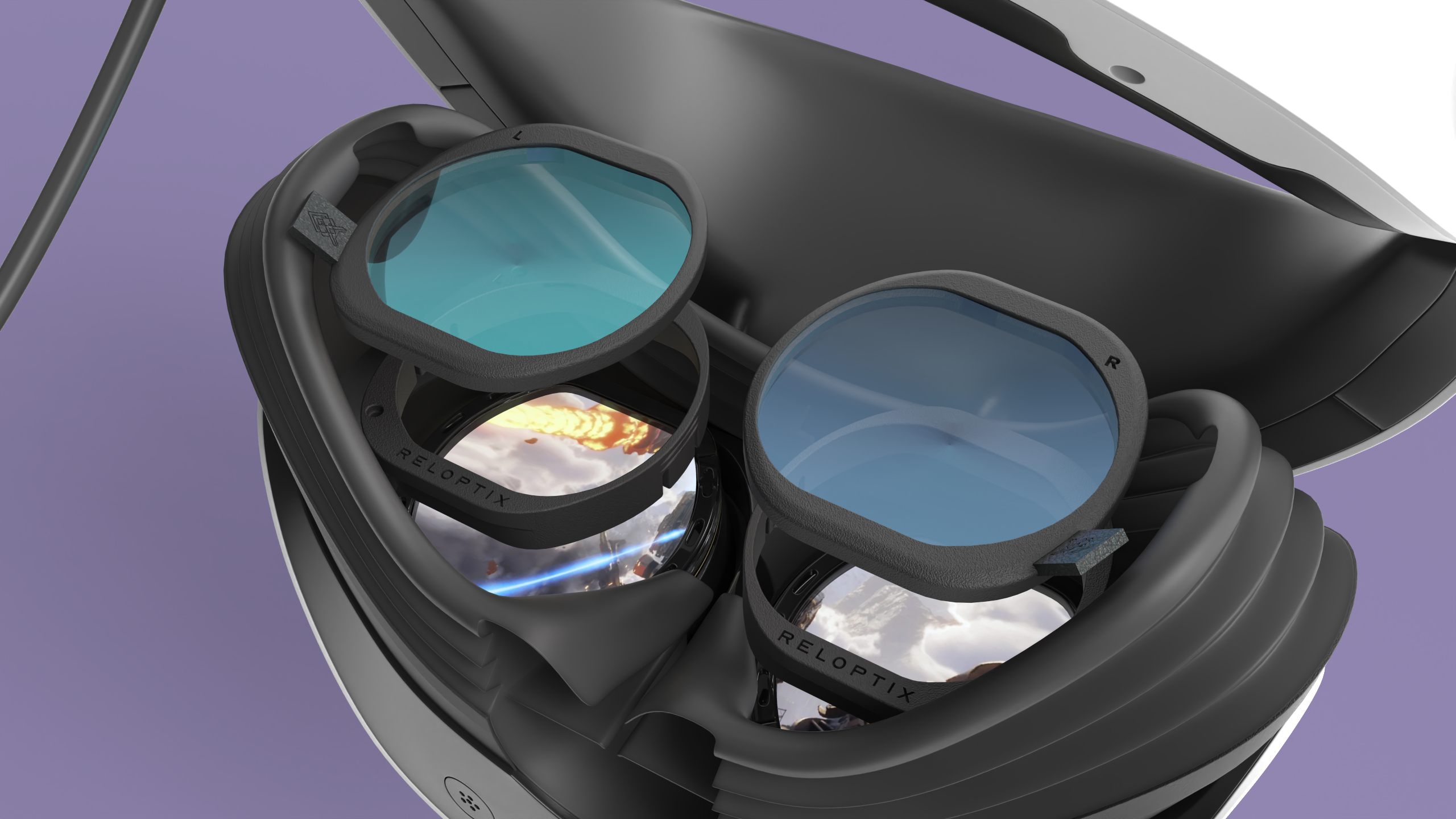
Reloptix designs its lens kits with:
-
Low-profile lens construction
-
Precise optical centering
-
Wide IPD compatibility
-
Minimal impact on perceived FOV
Reloptix inserts are engineered to correct vision while preserving comfort and field of view.
How to Optimize FOV and IPD in Your VR Headset
Here’s a practical checklist to make sure your settings are properly dialed in:

The Bottom Line: FOV and IPD Shape Your Entire VR Experience
When people talk about upgrading a headset, they often focus on resolution or refresh rate.
But FOV and IPD quietly determine:
-
How immersive your world feels
-
How long you can comfortably play
-
Whether clarity feels effortless or strained
-
How well your prescription lenses perform
Proper IPD alignment and well-designed prescription inserts help you get clear, comfortable performance from your headset — session after session.
Explore Reloptix prescription lenses for the Meta Quest 3 and other leading VR systems.
Share:
Comparing the Best Prescription Lens Inserts for Meta Quest 2
VR Eye Tracking and Glasses: What VR Users Should Know